




The supply contract expired last week. No one was notified. The automatic renewal occurred under the old conditions, at the price from two years ago, without the legal or purchasing departments having any chance to renegotiate. In another scenario, the notice period passed without notice, and now the company owes a penalty for early termination that no one saw coming.
This cycle repeats itself in companies of all sizes, and the cause is rarely negligence. The problem is structural: without a centralized process for monitoring contract deadlines, any manager with dozens of active contracts is always playing catch-up. In general, automation solves this more efficiently than spreadsheets and manual reminders. Contract management platforms, also known as CLM (Contract Lifecycle Management), are a great solution.Contract Lifecycle ManagementCompanies like Goevo exist precisely for this reason: to centralize the contracting cycle and eliminate dependence on controls that don't scale.
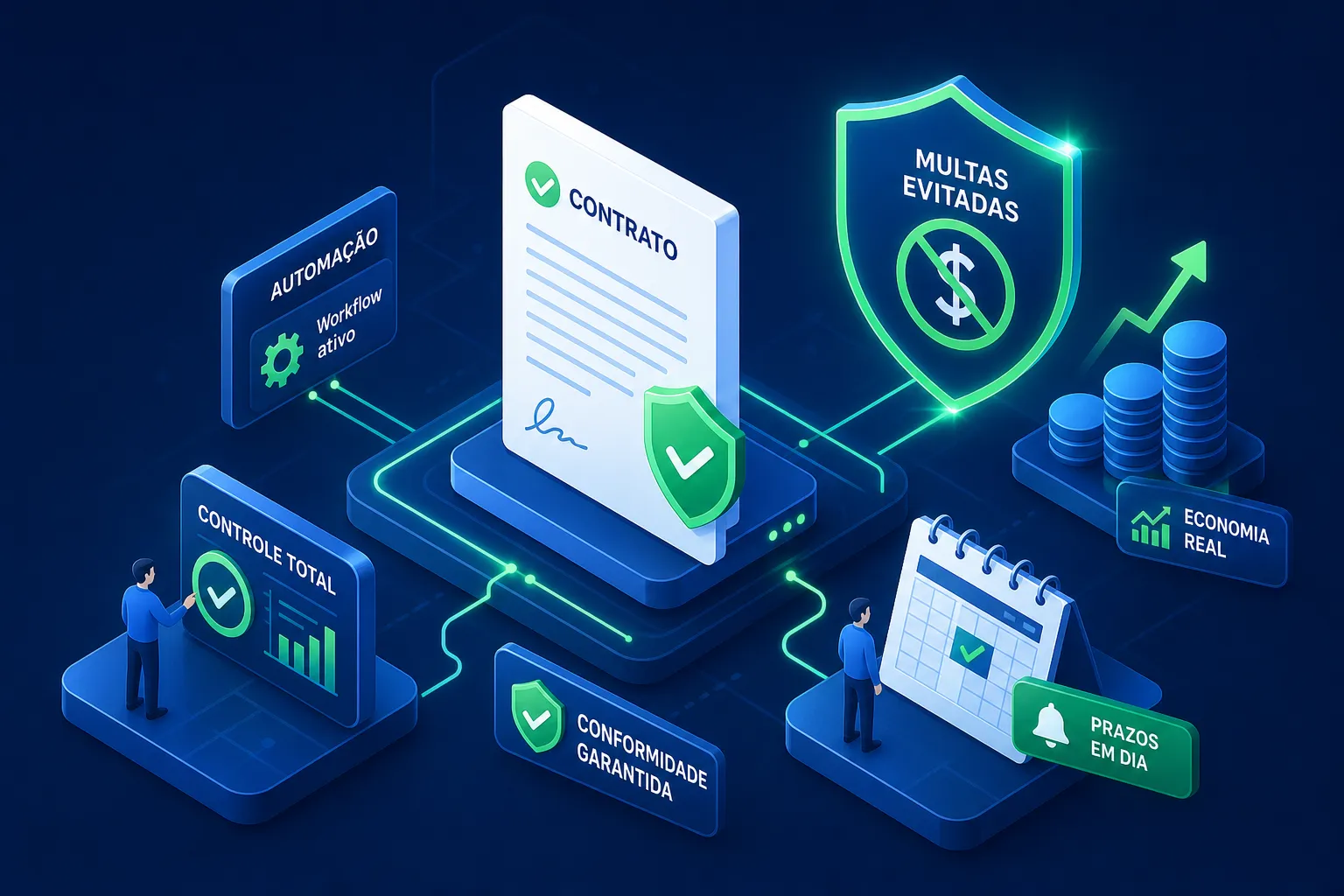
This guide shows you how. Automate contract management. And avoid late fees in practice: how to map your contracts, set up alerts well in advance, create a traceable approval workflow, and monitor the right indicators so that no deadline goes unnoticed.
Why do contracts expire without anyone noticing?
The real problem of contracts scattered across emails and folders.
In most companies, contracts live in three or four places at once: a folder on a shared drive, some attachments buried in email threads, a spreadsheet someone created two years ago and stopped updating. No clear person responsible for monitoring deadlines. No consolidated view of what's due in the next 30 days.
The problem isn't a lack of individual attention. It's the absence of a process. Manual control is only viable for very small portfolios; as the volume of contracts grows, the risk of missing a deadline increases proportionally. Even the most careful manager will still make mistakes when relying exclusively on their own memory or a spreadsheet that no one has updated.
Types of contracts that carry the highest risk of penalties.
Not all contracts have the same risk profile. Those that generate the most financial exposure are supply contracts with automatic renewal, service contracts with short notice periods, and software rental and licensing agreements. In these contracts, the most dangerous clauses are those for tacit renewal without control, those stipulating penalties for failure to respond within the deadline, and those stipulating cumulative fines for untimely termination.
Identifying which contracts fit these profiles is the first step before automating anything. Without this classification, you'll set up alerts for all contracts in the same way and end up without real prioritization when the volume grows.
Map out your contracts before automating contract expiration management.
How to assemble a basic contractual inventory
A functional contractual inventory doesn't need to be perfect from the start. It just needs to have enough information for you to prioritize action. The minimum fields are:
- Contract identifier
- Parties involved
- Object
- Start date
- Due date
- Automatic renewal (yes or no)
- Notice period
- Amount of the penalty for termination
- Internal manager
- Risk level
A spreadsheet works as a starting point, but it has serious limitations. It doesn't notify anyone when a deadline is approaching, it doesn't track who made which decision, and it doesn't scale as the volume of contracts grows. Using a spreadsheet to create an initial inventory is valid; relying on it for continuous monitoring is what creates the exposure that the inventory tried to map.
Critical clauses that require active monitoring.
Each contract needs to have the clauses that truly matter for deadline control extracted: validity period, notice period for non-renewal, penalties for delays, and termination conditions. This information needs to be accessible in the system, not just in the PDF of the contract filed in a folder.
The prioritization logic is simple: contracts with higher value, shorter warning window, and higher penalty are placed at the top of the queue. With this classification in hand, the manager knows where to focus their efforts even before configuring any automation. Without it, alerts arrive without context, and the risk remains uncontrolled.
How to automate contract management to avoid late payment penalties: practical warnings
Defining triggers, lead time, and recipients
The central logic behind alert configuration involves three decisions: which date triggers the notification, how far in advance the system sends it, and who receives each alert. For the trigger date, the most common options are the contract expiration date, the notice period, and the renewal date. As a reference for best practices in CLM (Contract Lifecycle Management), a notification cadence of 30, 15, and 7 days before expiration is usually adequate for most contracts; adjust according to the risk profile of each portfolio.
The choice of recipients is just as important as the date. The direct supervisor, the area manager, and the legal department all need to be aware of the alert flow, each at the right time. Sending out alerts to everyone at once creates noise and no one takes action. Notifying only the direct supervisor creates a single point of failure.
Scheduling rules for critical contracts
For high-risk contracts, a simple alert is not enough. Automatic escalation solves this: if the responsible party does not react to the first warning, the system notifies management. For the most critical contracts, a second warning layer with a shorter deadline and a third recipient ensures that the information reaches the decision-maker before the deadline expires.
Before activating any alert flow, test with a sample contract. Verify that the alerts are being sent at the correct time, that the recipients are correct, and that the messages contain enough information for the recipient to understand what they need to do. An alert that arrives without context is just as useful as one that doesn't arrive at all.
Documented approval workflow to close the loop.
How to map who approves what and at what stage.
An alert alone solves nothing if there isn't a clear approval workflow attached to it. When the notification arrives and the person in charge needs to decide whether to renew or terminate, they need to know who else needs to be involved, what the deadline is for each step, and where to record the decision made.
Documenting the approval levels transforms the alert into a traceable action. The documentation should define who can approve contract renewals below a certain value, who needs to be involved in renegotiations, and what the maximum timeframe is for each approval stage. With this structure, the alert ceases to be a reminder that can be ignored and becomes the beginning of a process with defined responsibilities and deadlines.
How to prevent contracts from getting stuck in email inboxes.
A platform built for the Brazilian reality.
Approval workflows that operate solely via email share three common problems: no defined response time, no visibility for the person who needs to make the next decision, and no traceability when someone questions the history later. A contract stuck in an inbox because the person was on vacation is a contract that could expire without any action being taken.
A structured flow within the system closes this gap. The notification is automatically sent to the approver, the response deadline is set, escalation occurs if no action is taken within the deadline, and each decision is recorded with the date, responsible party, and content. This tracking is essential in internal audit contexts or when there are legal questions about the history of a specific contract.
Metrics that prove whether automation is working.
Key KPIs for due date and approval
For those who need to reduce the risk of a fine, the most relevant indicators These are the percentage of contracts renewed on time and the average renewal approval time. Equally important are the number of contracts expiring in the next 7, 15, and 30 days, and the rate of contracts pending approval. These four indicators cover the process before and during, not just the final result.
They don't require a complex platform to function, but they do need to be monitored with a defined frequency. A report that no one consults has the same value as an outdated spreadsheet. Automation delivers the data; the monitoring routine is what transforms the data into decisions.
The minimum report to avoid being caught off guard.
The minimum monitoring dashboard needs to show three things: contracts expiring by timeframe (7, 15, and 30 days), contracts that have already expired without any action taken, and items stalled in the approval workflow. Consulted weekly, this report is sufficient to take action before any deadline becomes a problem.
A second report worth compiling is one detailing retroactive fines and interest payments. This figure serves a specific purpose: to show the CFO the true cost of contractual disorganization. When justifying investment in contract automation to financial leadership, a history of penalties paid for management failures is the most objective argument available.
How Goevo centralizes contracts, alerts, and measurements in one place.
Centralized repository with configurable alerts.
Goevo brings together contract management cycle In a single environment: registration, document repository, and automatic due date alerts configurable by contract type and recipient. Notifications are programmable with multiple advance notices, eliminating the need for spreadsheets, manual reminders, or anyone's memory.
For teams that manage dozens of contracts simultaneously, this centralization directly reduces exposure to late payment penalties. Not because it creates more bureaucracy, but because it puts the right information in front of those who need to act, at the right time, without depending on any manual processes along the way.
Integrated measurement control and approval workflow
For recurring service contracts, Goevo goes beyond alerts. The measurement module allows you to register and validate measurements directly on the platform, with approval integrated into the contract workflow. This closes the loop between the expiration alert, renewal negotiation, and documented approval, without needing to resort to email at any stage of the process.
The platform also offers integrations with ERPs, allowing contractual data to remain aligned with the rest of the operation. This is ideal for those who already have a legacy system in place and want to specialize their services. contract management Without replacing it, this integration enables both worlds to function together.
Want to see how this works with your company's contracts? Speak with a Goevo specialist or request a platform demo.
The path to breaking free from the cycle of late payment penalties.
Penalties for contract expirations are not inevitable. They are the predictable result of an unstructured process: scattered contracts, deadlines without a clear owner, approvals that live in email, and no dashboard showing what is about to expire. When you map critical contracts, set alerts well in advance, and create a traceable approval workflow, the risk consistently decreases.
The path to automating contract management and avoiding late payment penalties is straightforward: inventory contracts with the fields that matter, prioritize those with the highest risk, set up alerts with multiple lead times and escalation for critical contracts, document approval levels, and monitor expiration and pending issues indicators weekly. Each of these steps can be started with what you have today, without waiting for a complete digital transformation.
Automation starts delivering results even before everything is configured. The important thing is to move away from spreadsheets and have real visibility into deadlines before they become a problem. Goevo was developed so that purchasing and procurement teams can take this step quickly, without an implementation project that drags on for months.